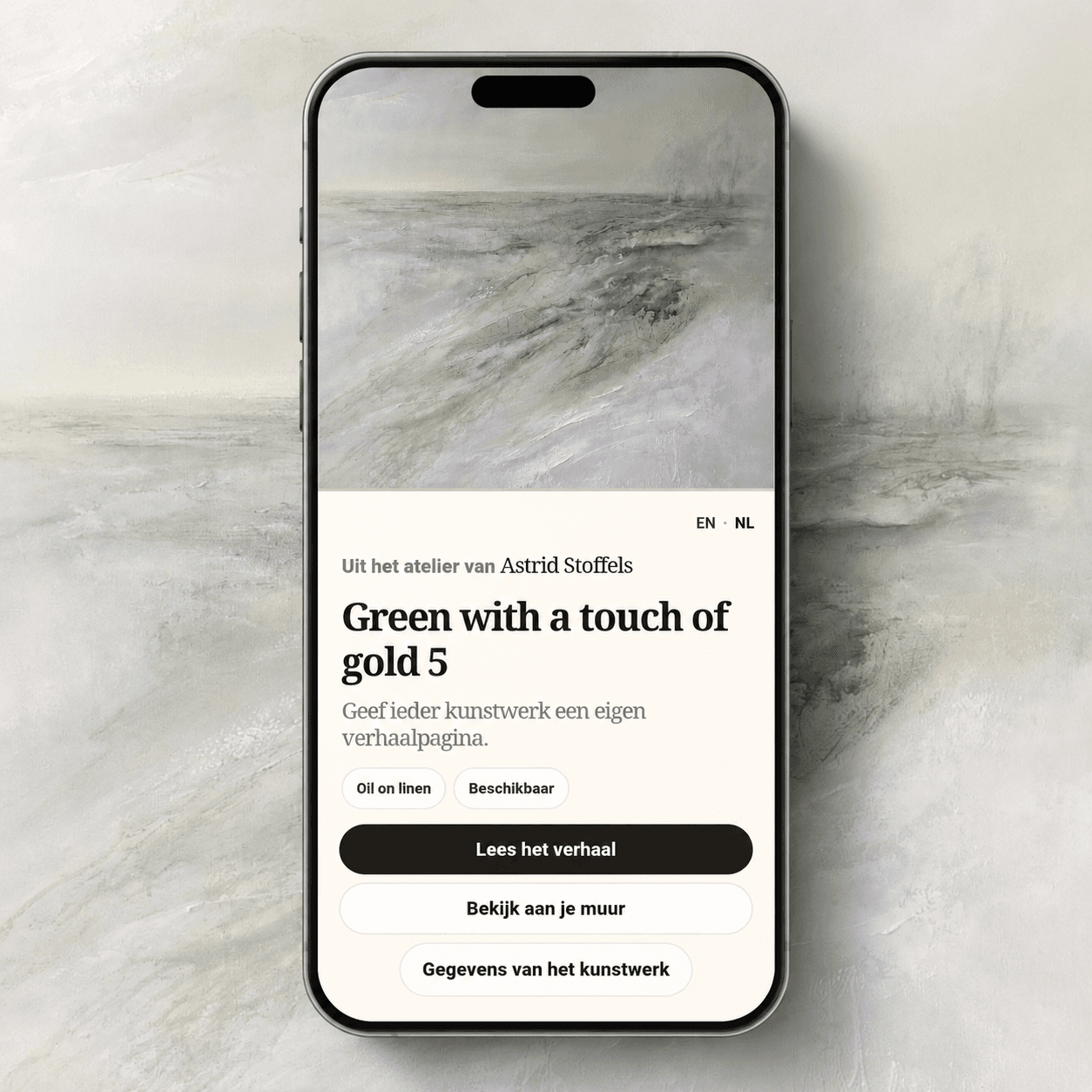
Tell the artwork's story
Bring together its image, title, materials, dimensions and the story behind it.
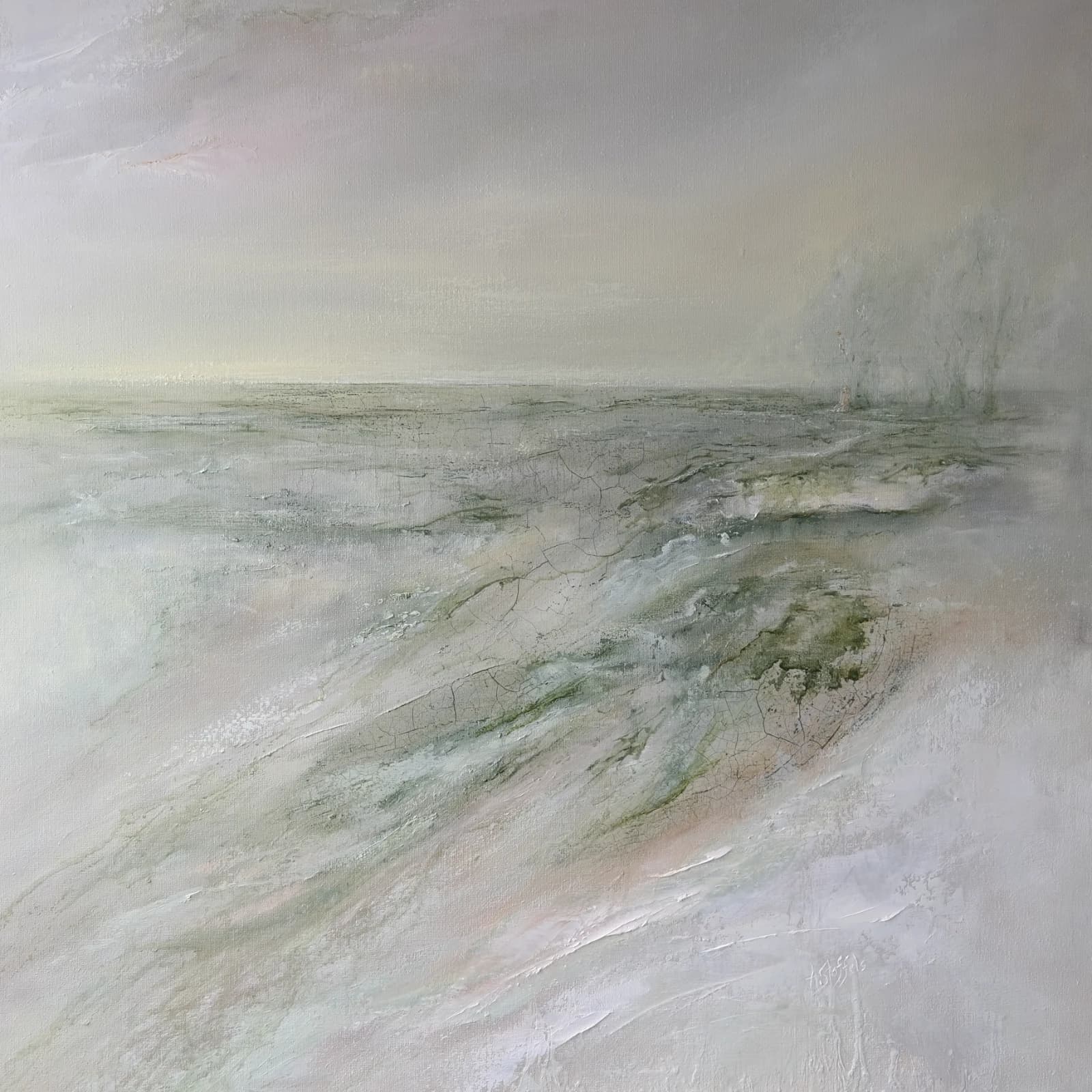
Give every artwork a beautiful place for its story, details and certificate.
How it starts
PieceStamp is a digital platform for artists, bringing each artwork's story, details, label and certificate together in one place.
Bring together its image, title, materials, dimensions and the story behind it.
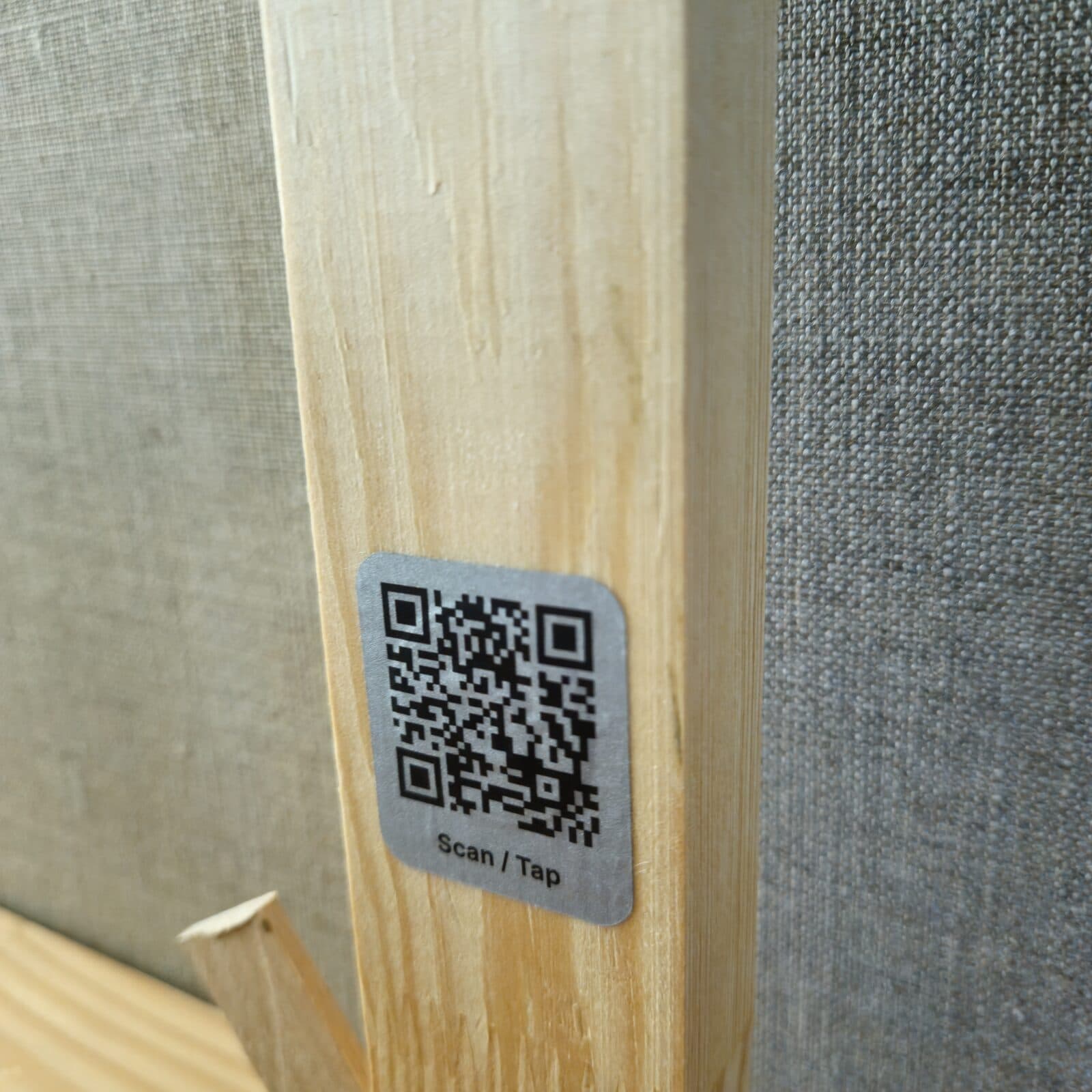
Place a Story Tag beside or behind the artwork so people can open its story.
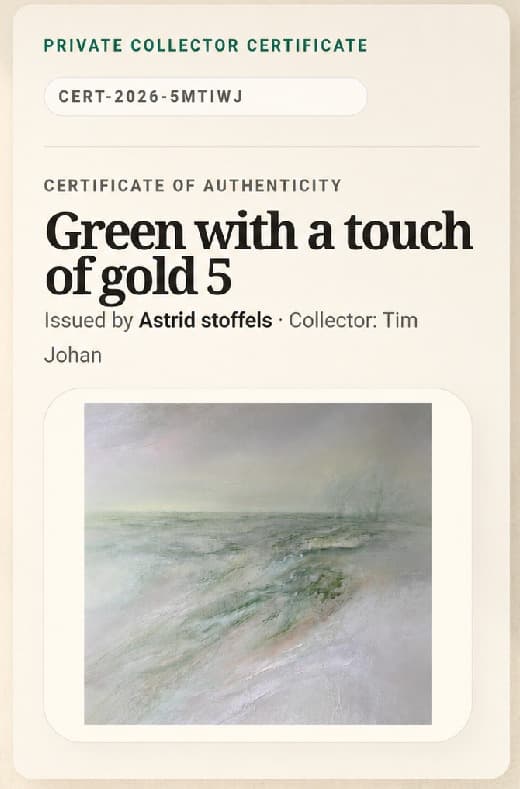
Manage the artwork in PieceStamp and create a private collector certificate after a sale.
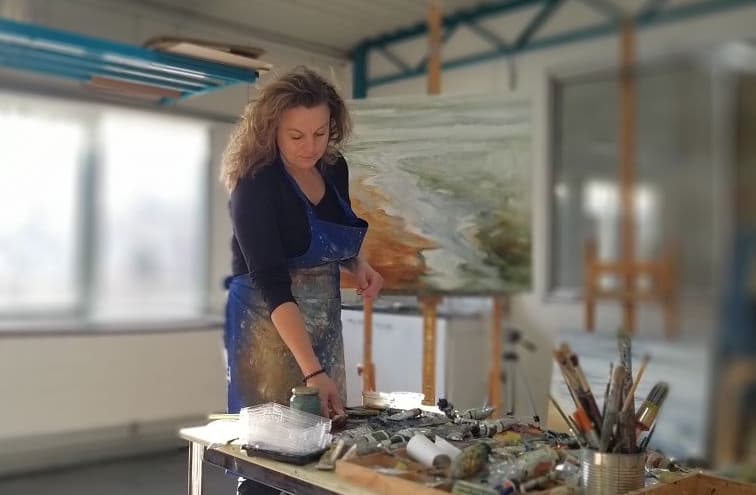
Real artist
Her artwork archive, story pages, Story Tags, artist website and certificates stay connected from one calm place.
Archive, story pages and artist website connected for one real artist.
View Astrid's storyArtist website
Manage artworks, collections, exhibitions and news in PieceStamp. Your website stays current from the same place.
Explore the artist websiteView Astrid’s website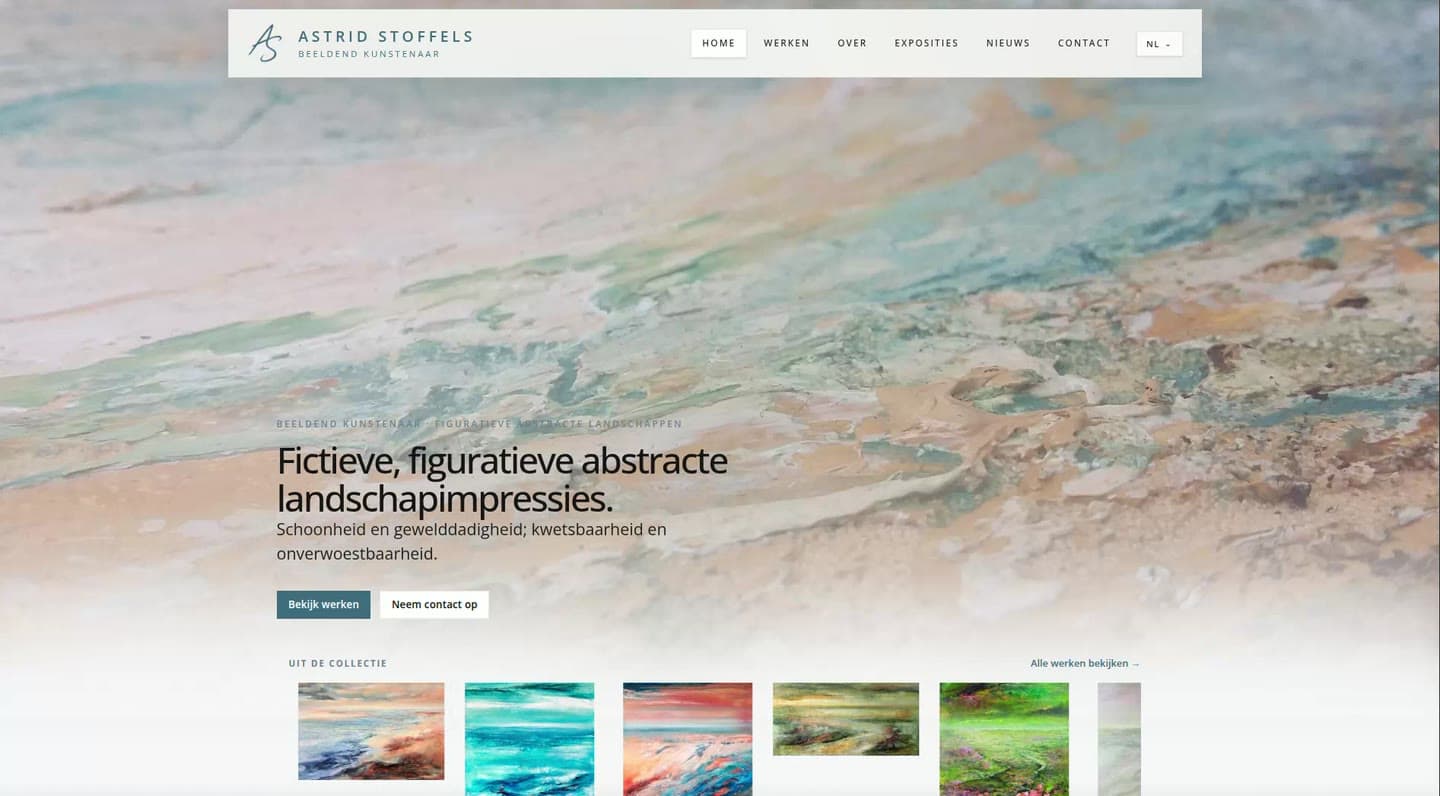
Collect artwork details from participating artists and prepare consistent exhibition labels and story pages.
Upload an image and see what PieceStamp creates.
Try PieceStampNo account needed.